Digital menus compliant with the Turkish Food Codex + EU 1169/2011
Your menu: compliant, digital — orders go straight to your kitchen.
Allergen and calorie information is calculated automatically from your recipe; your guest orders via the QR code at the table, and the order lands on your screen and in your kitchen at the same time. No printing, no lamination, no gaps at inspection. Prices went up? Change them from the panel and the menu updates instantly — no reprints, no stickers over old prices.
✓ Supported languages: Türkçe · English · Deutsch · Русский · العربية · Français · Español · Italiano · 中文Write it in Turkish — we translate it into the other 8 languages automatically.
✓ All 14 legally required allergens, automatic (TFC Annex-1 / EU 1169/2011)
✓ Calories calculated from your recipe using real USDA data (~8,200 foods)
✓ Live stock tracking
✓ 99.9% uptime — your menu is always online
✓ KVKK-friendly — no sign-up to view the menu
Features
From menu to kitchen, one platform
QR menu — in 9 languages
Turkish, English, German, Russian, Arabic (right-to-left), French, Spanish, Italian and Chinese. Just enter Turkish — we translate your menu into the other 8 languages automatically. Tourists read the menu in their own language.
Menu import from a photo
Upload a photo of your printed menu; item names, descriptions and prices are read automatically. A wizard asks for ingredients and portions, and calorie-allergen data completes itself.
Automatic calories & allergens from the recipe
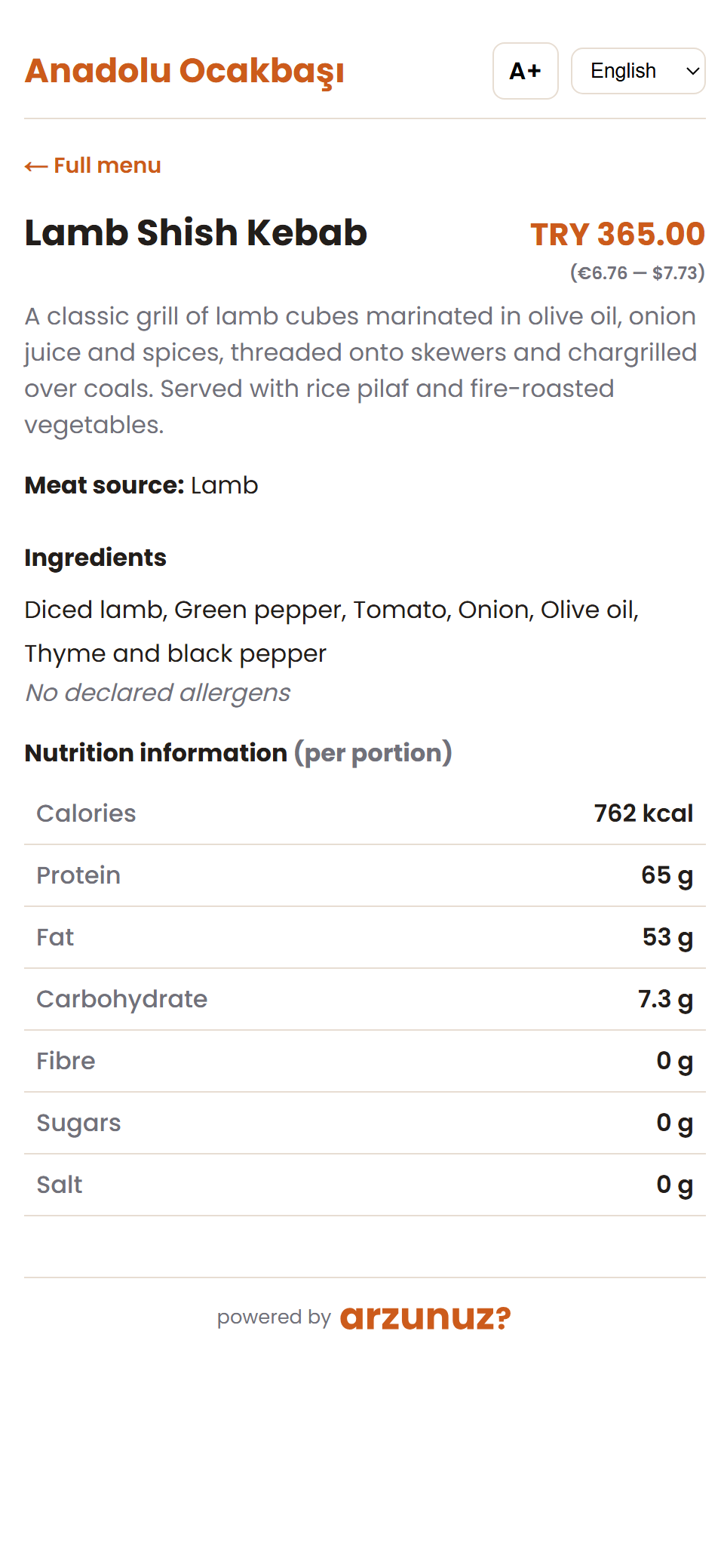
Pick the ingredients; calories, nutrition facts and all 14 allergens are calculated automatically. Aligned with Turkish Food Codex Annex 1 and EU 1169/2011.
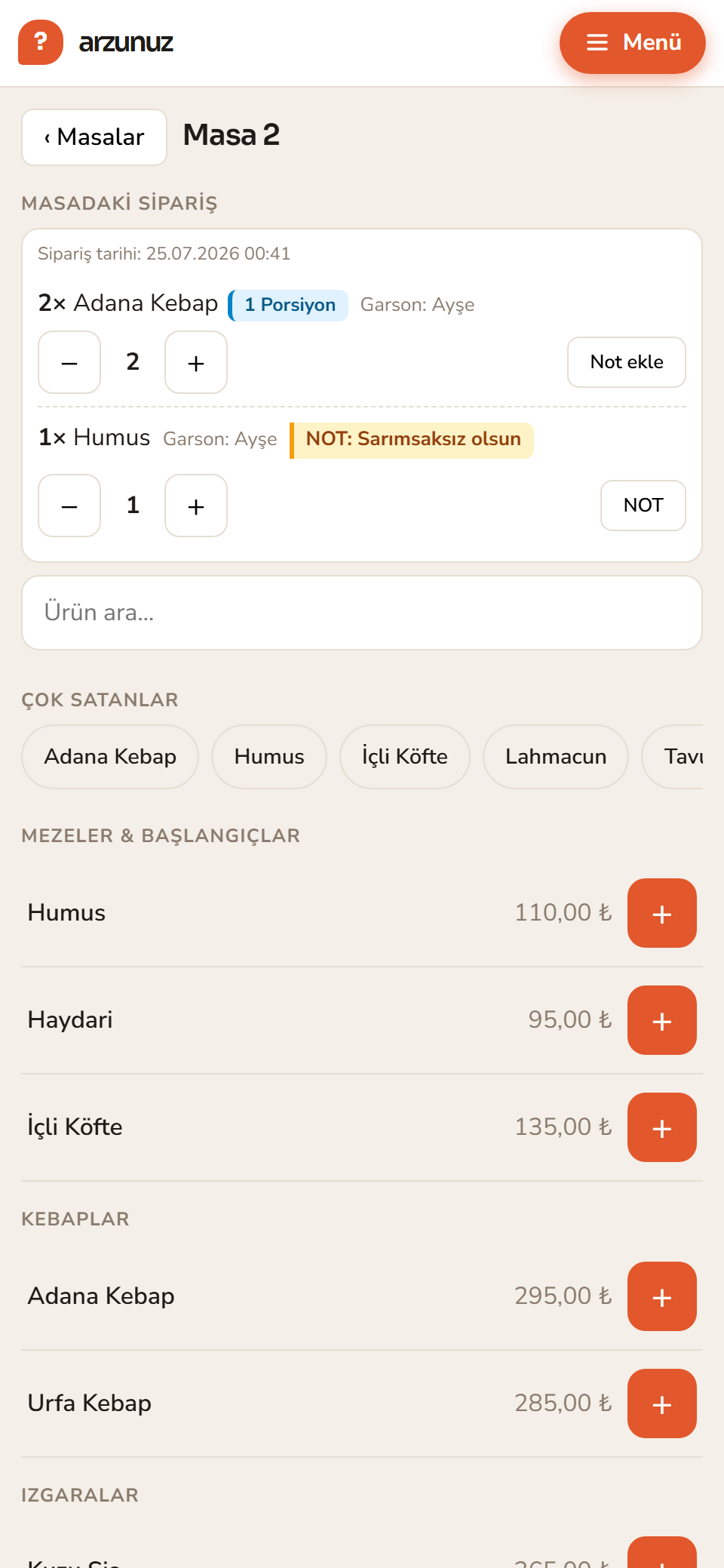
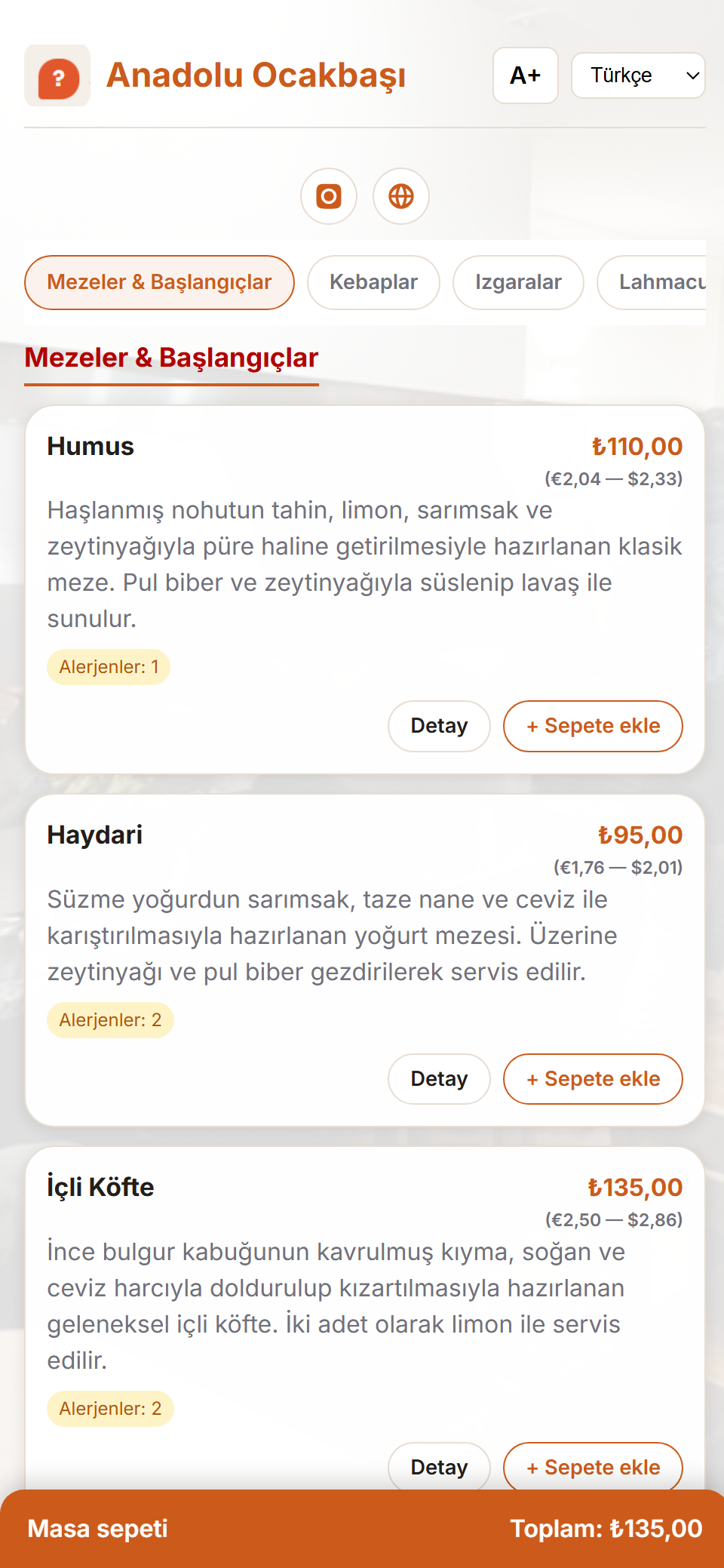
Table ordering & shared cart
Everyone at the same table adds to one cart. Split the bill automatically per person, or share it item by item. Orders always use the published menu price.
Live order screen
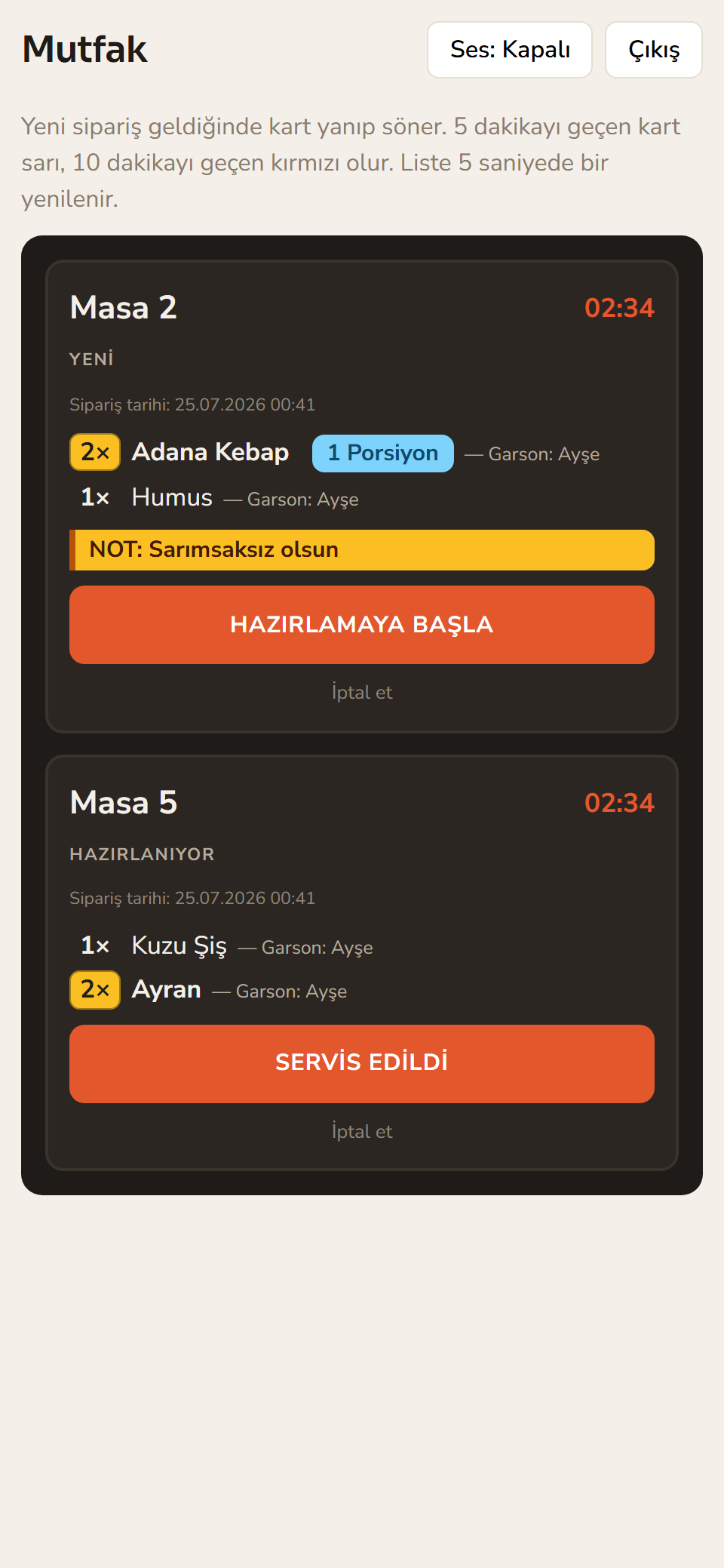
New orders land on the panel instantly; confirmed, preparing and served move forward with a single tap.
Stock tracking
Track stock by ingredient or by menu item. An item that drops below its threshold is hidden from the menu automatically; ingredient stock decreases with each order.
Revenue & product reports
Today's revenue, best sellers, per-table breakdown — ready in the panel, exportable.
Theme studio
Logo, colours, fonts, card style and ordering — with a live phone preview. 3 ready-made templates: classic list or photo category covers (1–2 columns). Visual changes reach the menu instantly.
Euro & Dollar price display
Foreign guests and tourists can also see the menu in Euros and Dollars. You set the exchange rate yourself in settings; the Turkish Lira always stays visible.
Waiter & kitchen accounts
Create separate accounts for waiters and kitchen staff. Operational staff see only their own screen and cannot access revenue or financial reports.
Multi-branch
Push your menu from HQ to every branch with one click; each branch runs its own orders, kitchen and till.
Order numbers
If you wish, each confirmed order gets a number starting from 1 each day, shown on the guest's phone and the kitchen screen. Toggle it on or off in settings.
Hotel & all-inclusive mode
Hide prices for hotel and all-inclusive concepts: the price and total don't appear in the guest menu or cart, while ordering keeps working exactly as before.
Privacy-friendly anonymous ordering
Guests don't install an app, sign up or hand over a phone number. You take orders without collecting personal data.
Menu design is in your handsReorder categories by drag and drop, pick your colours and logo, change the card style — build your own menu in minutes, no coding required.
Menu templates
3 ready-made templates — you choose how your menu opens
Classic list or photo category covers: switch with one click, no re-publish needed — the change reaches the customer menu instantly.
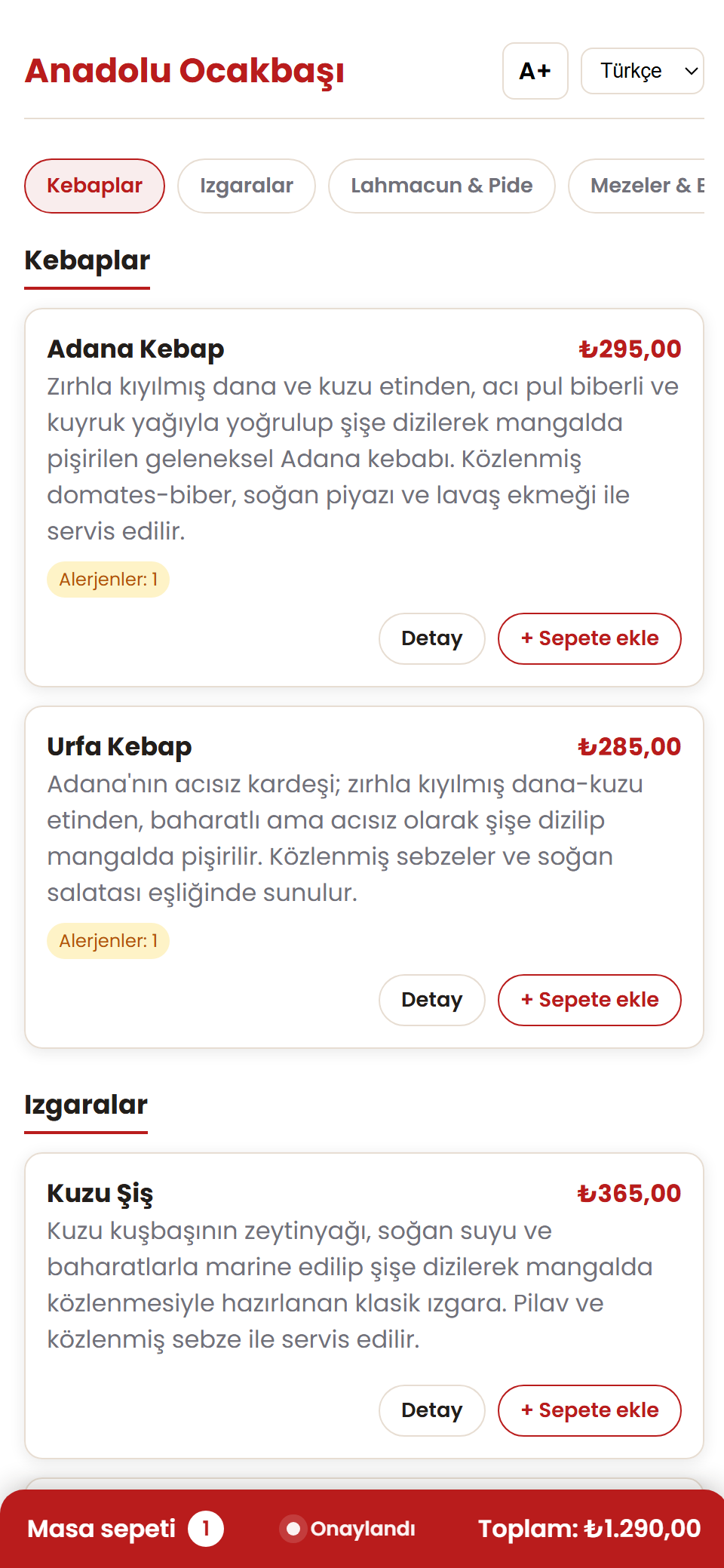
Classic list
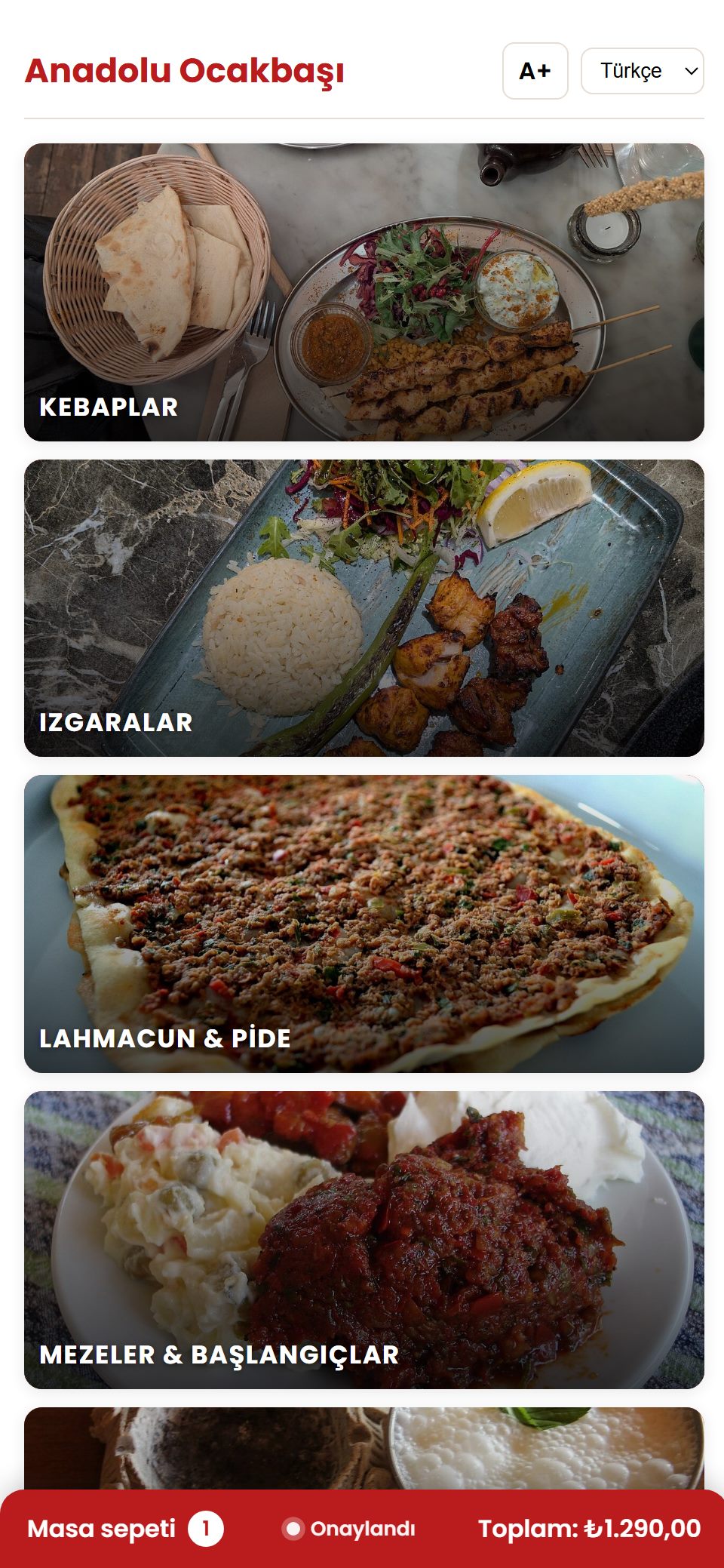
All products in one flow — ideal for quick browsing.Covers · single column
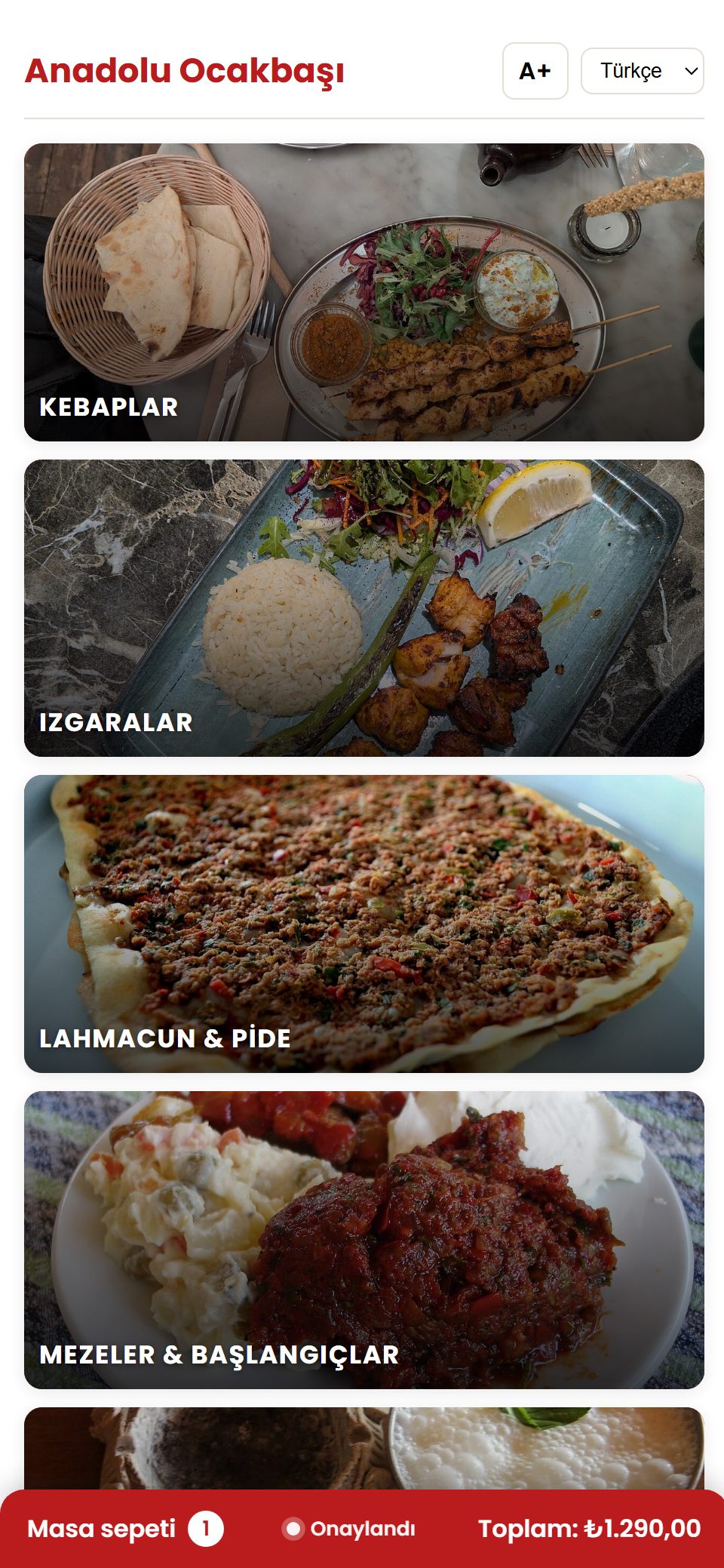
Large photo category cards; an appetising showcase.Covers · 2 columns
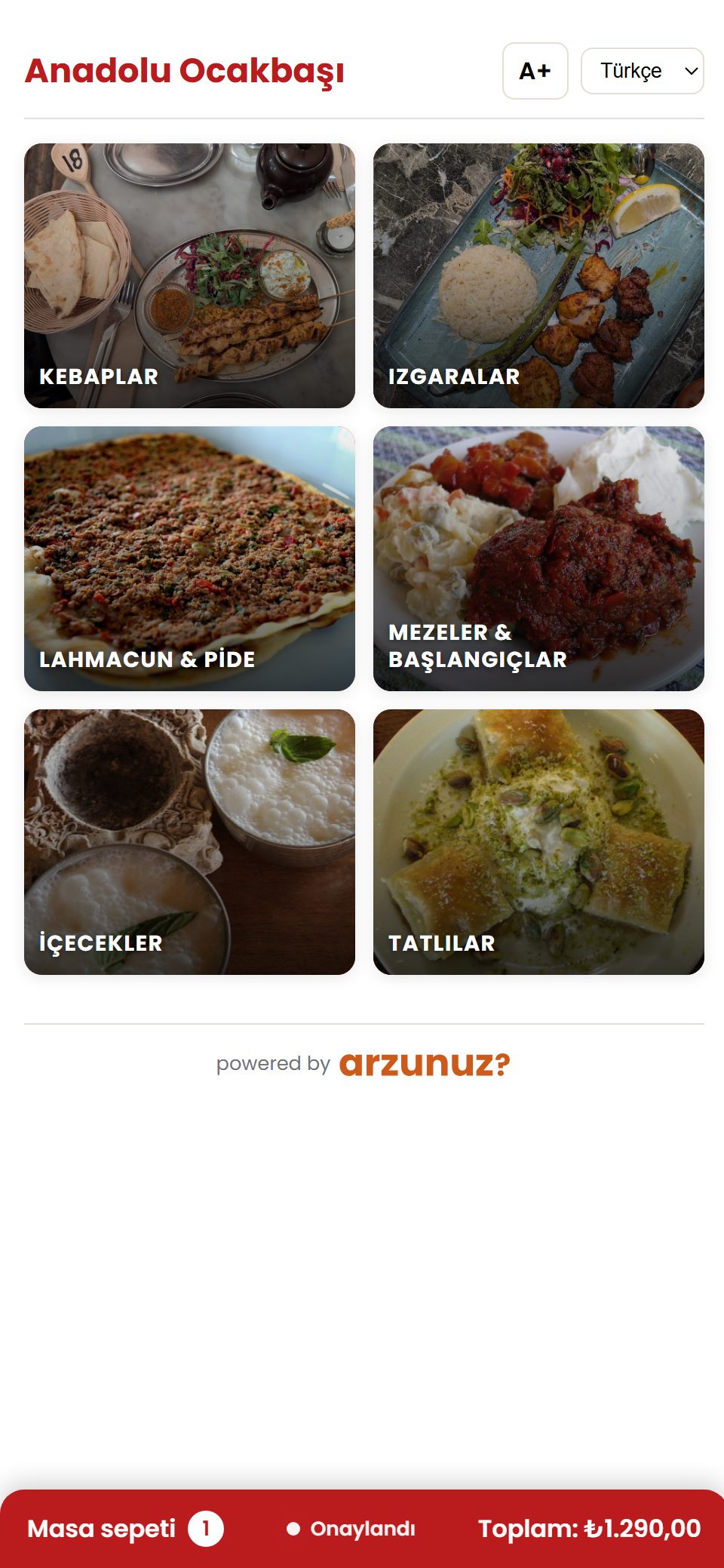
Two-column cover grid; every category on one screen.
No printing, no delays, no gaps.
Your menu is ready anytime, in every language, on every device.
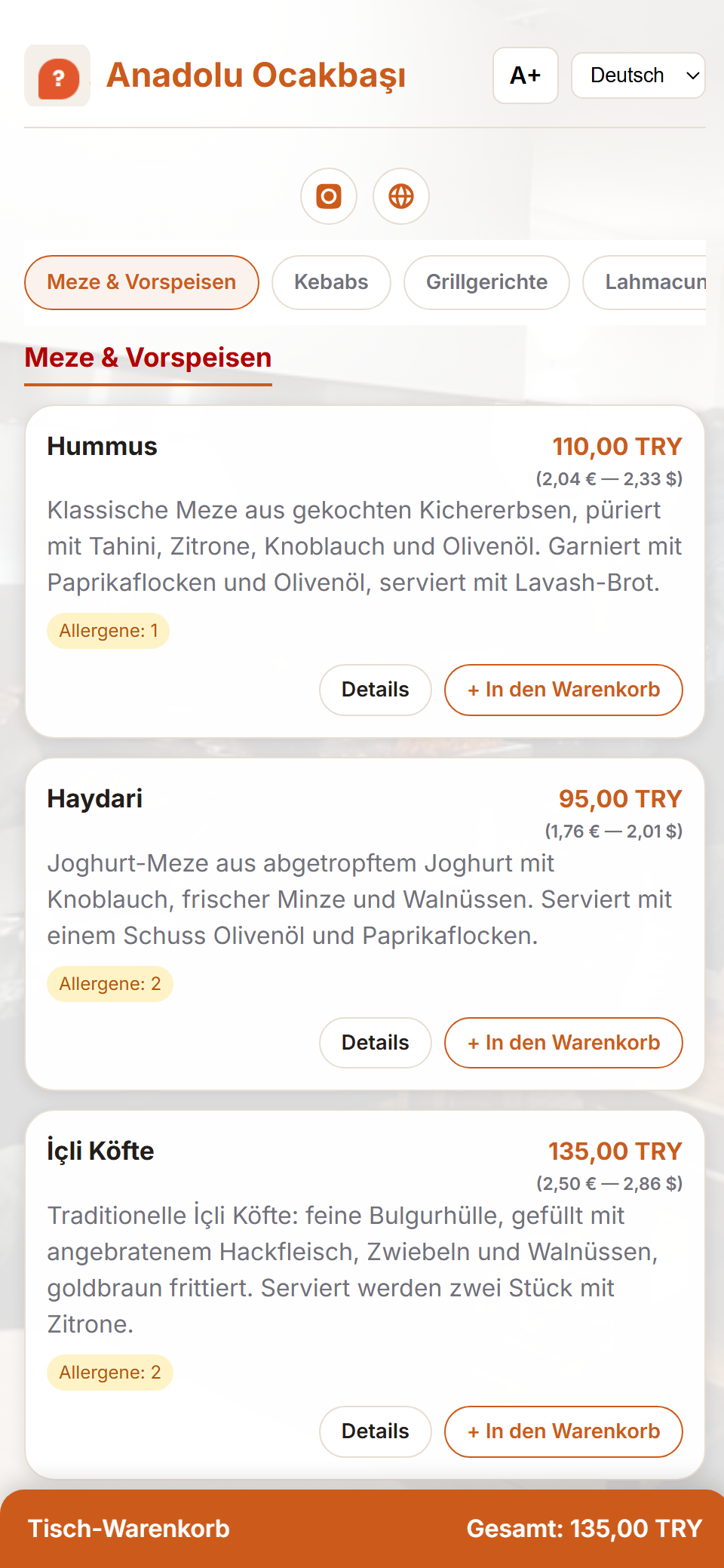
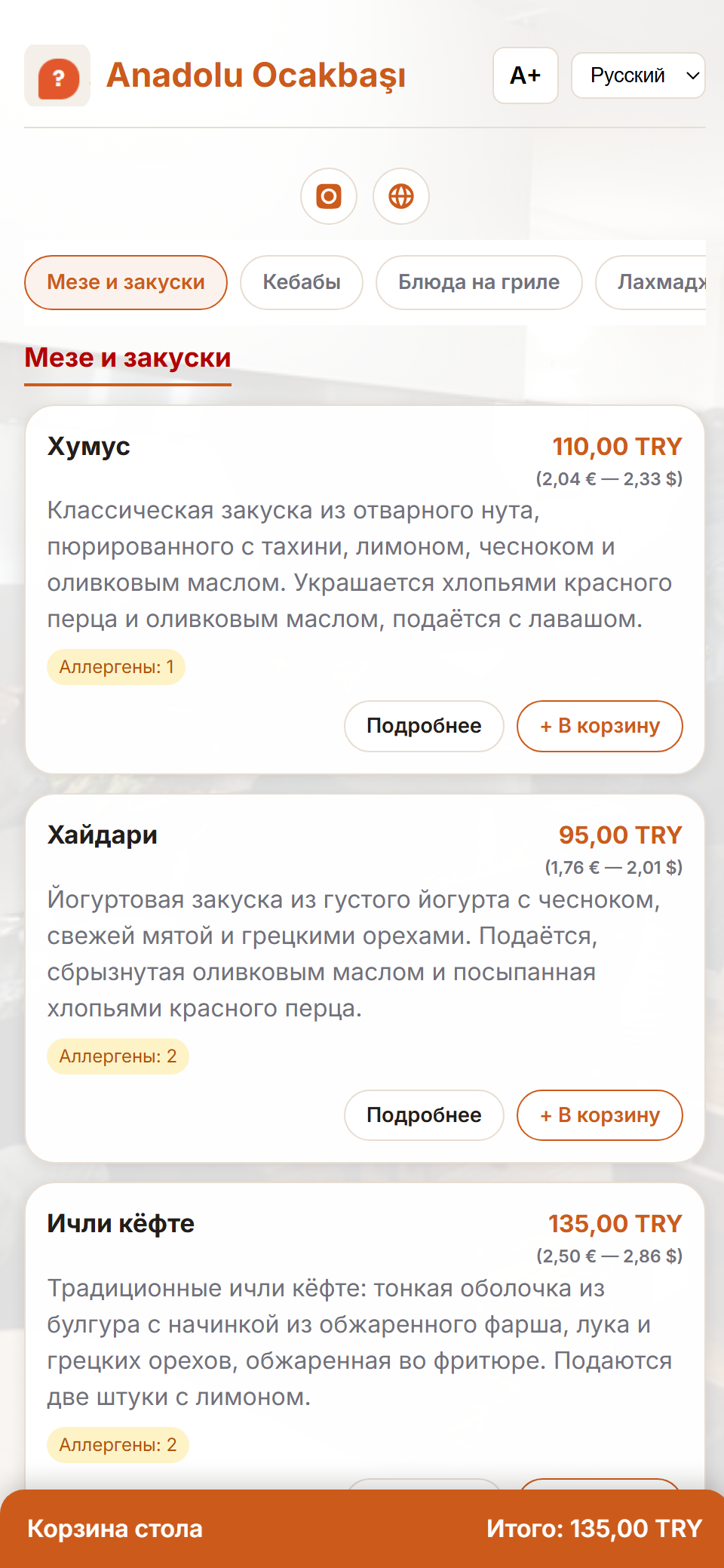
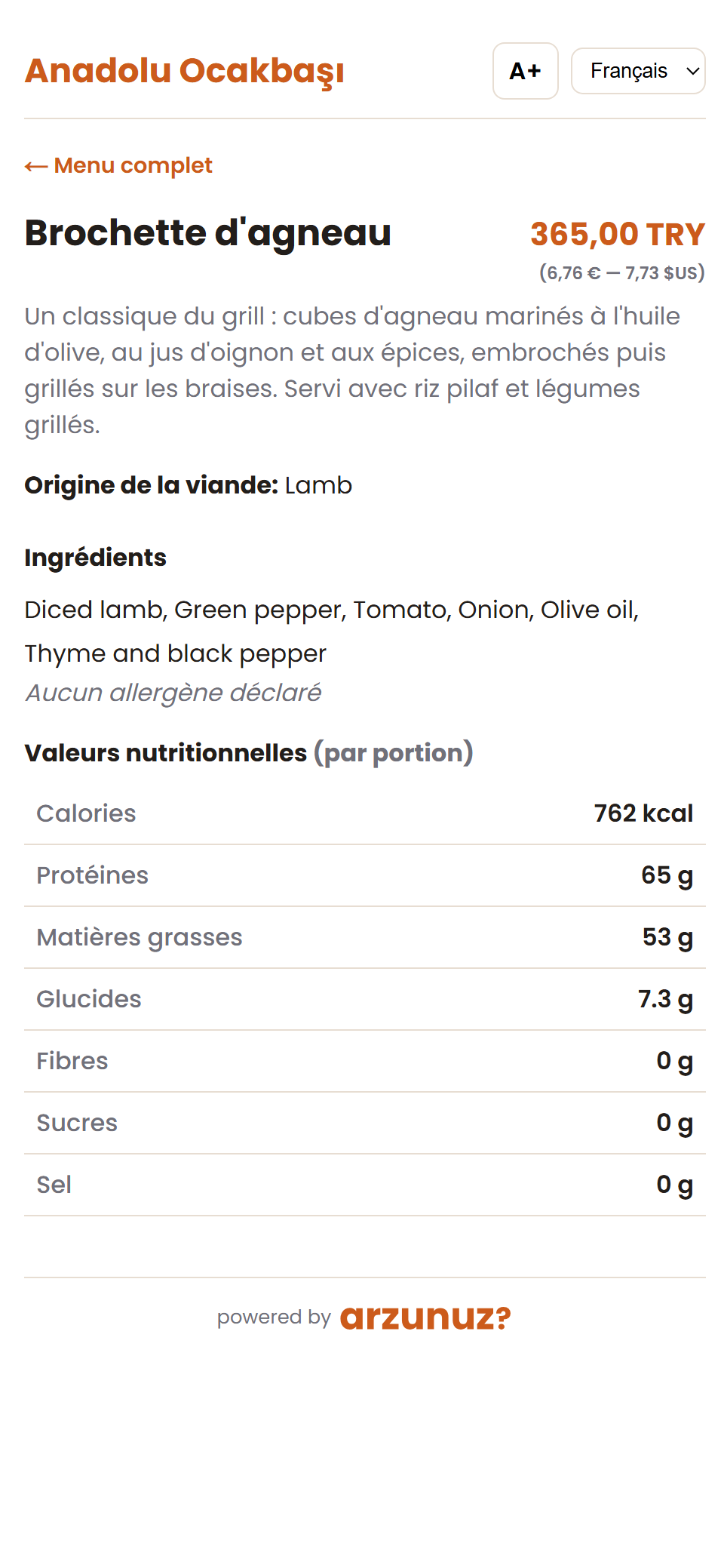
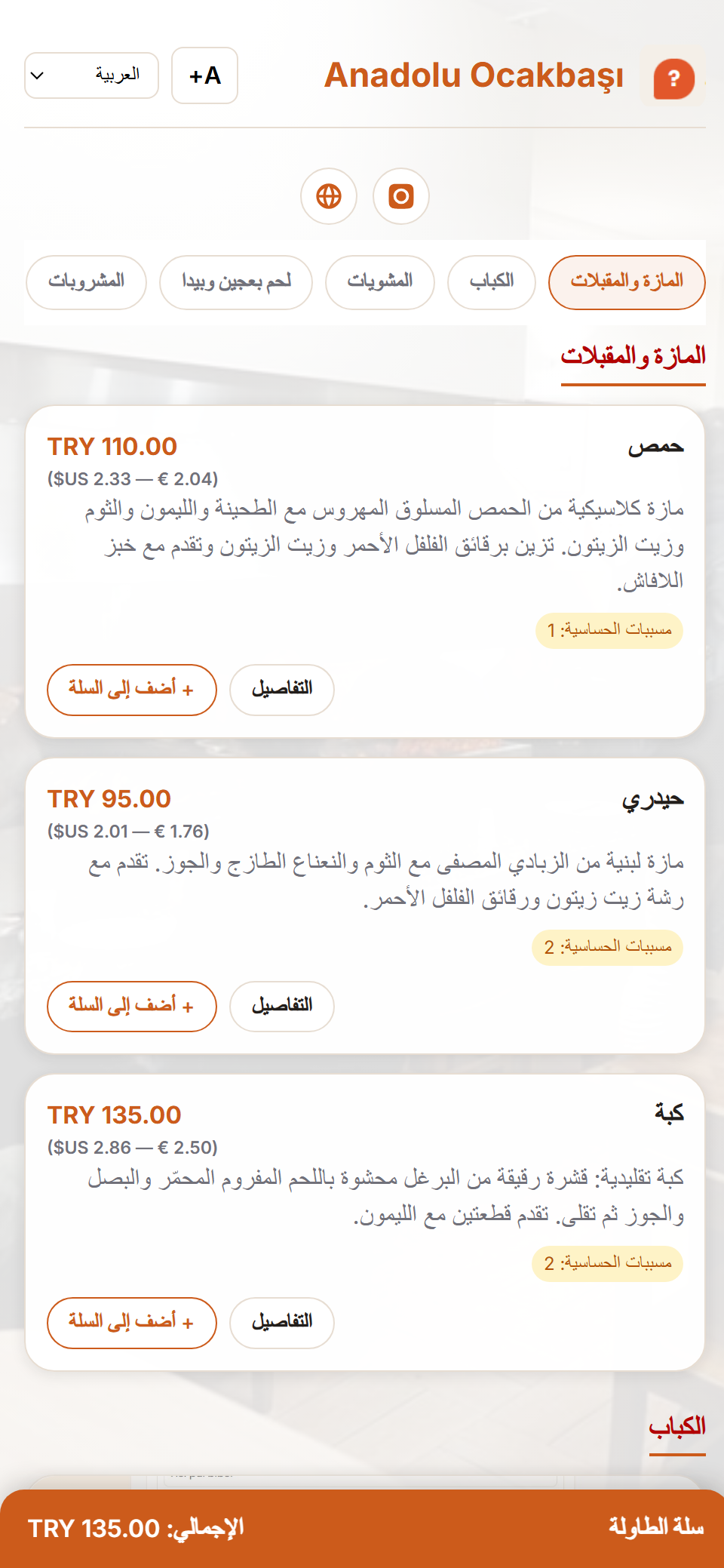
These are not design mock-ups — they are real screens from a live demo business. The same menu — guests read it in their own language (9 languages supported).
Kitchen display
Live kitchen board — notes, portions, timers.Waiter screen
Waiters take orders from their phone in seconds.
Türkçe
Table menu + shared cart.English
Product label — ingredients and allergens in English.Deutsch
The grill-house menu in German — guests read it in their own language.Русский
The same menu in Russian — the language switches in one tap.Français
Product label in French — nutrition calculated from the recipe.العربية
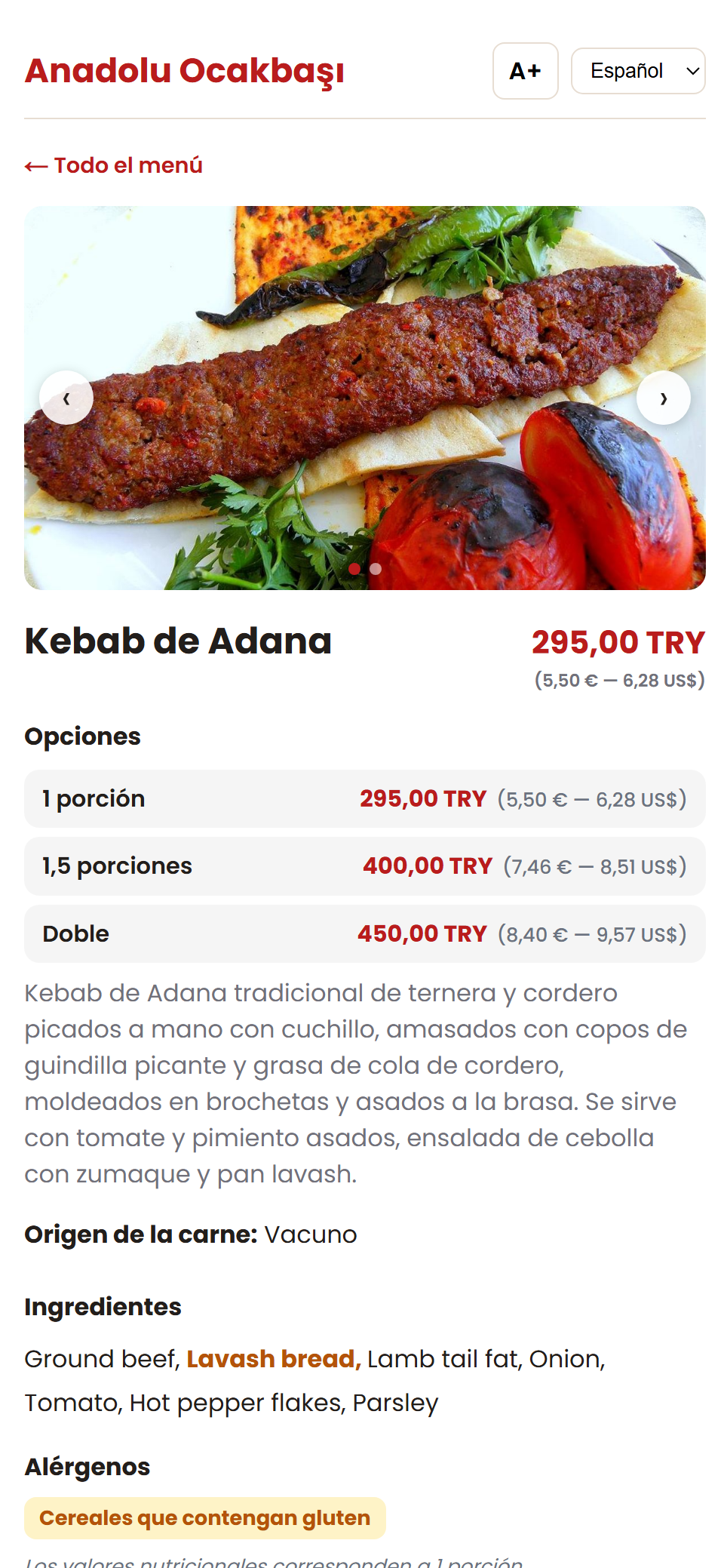
Arabic — full right-to-left support.Español
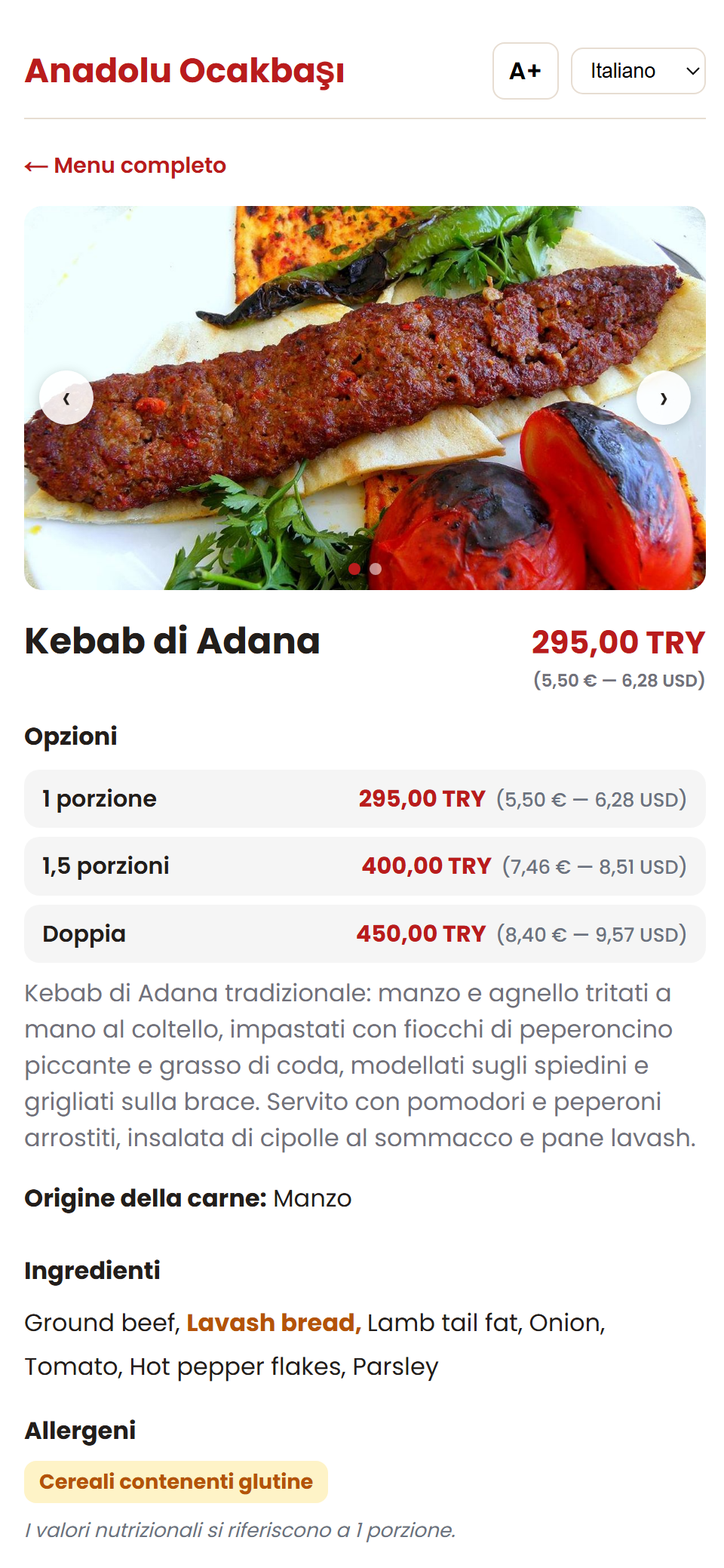
Product page — portion prices in Spanish.Italiano
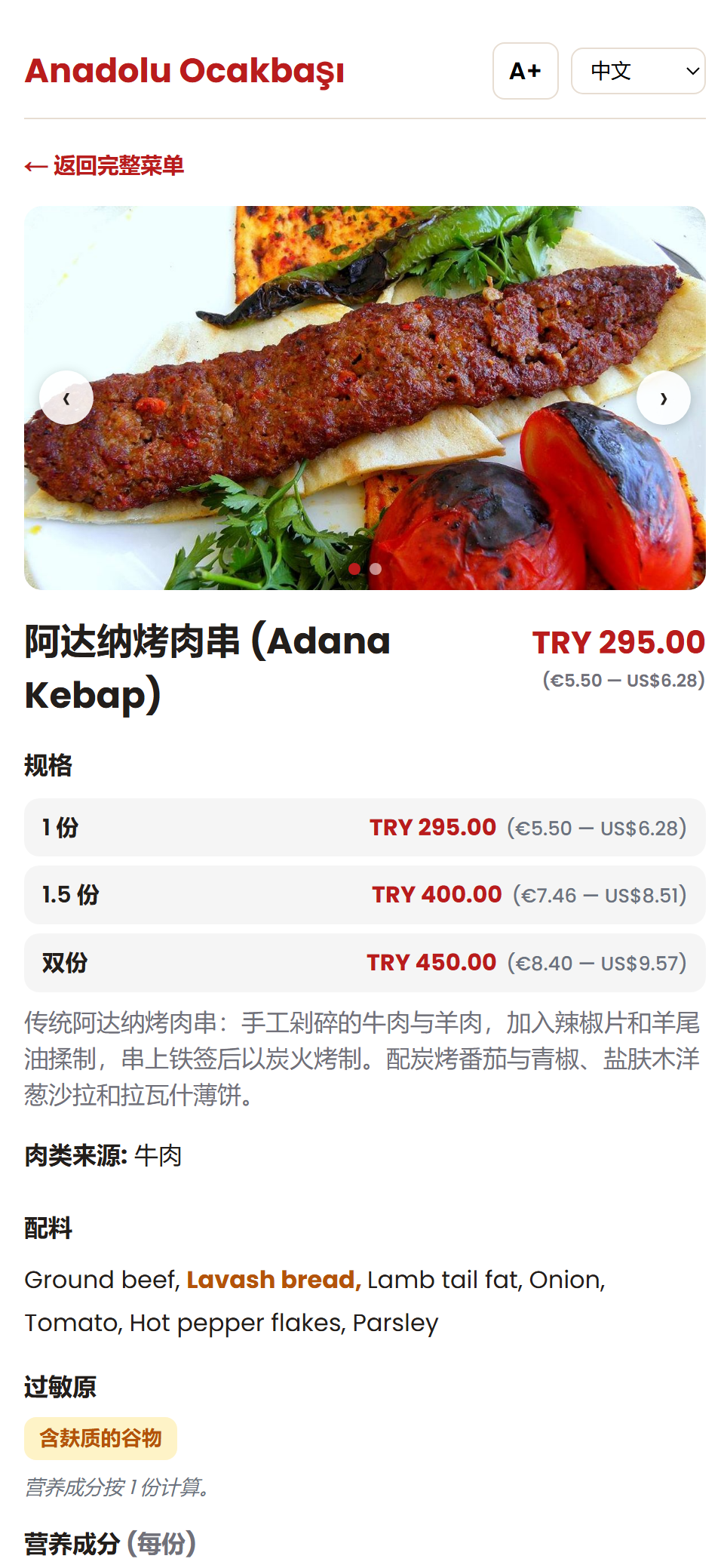
Product page — description and allergens in Italian.中文
Product page — Chinese, with Euro-Dollar prices.
Data you can trust
Not a calorie guess: a defensible calculation with a named source
Nutrition data comes from the world's reference database: USDA — U.S. Department of Agriculture FoodData Central. More than 8,000 foods connect to your recipes through a localised catalogue; calories and nutrition facts are calculated automatically from your recipe.
Not an AI guess — a defensible calculation whose source you can show at an inspection. Energy values are derived with the official conversion factors from EU legislation.
14 allergens — matching Turkish Food Codex Annex 1 and EU 1169/2011 Annex II exactly. Flagged automatically from the recipe's ingredients; nothing slips through.
Publish gate — a menu with a missing allergen declaration cannot be published. Compliance isn't a checkbox; it's a system rule.
Your trade secrets stay secret with us
Your recipes, products, prices and sales data belong to you alone. They are never shared with third parties, never sold, and never used for advertising or data trading.
✓ Every business's data is isolated at the database layer — no business can technically access another's data.
✓ Your recipe quantities and preparation methods are not visible even on the guest menu — guests only see the ingredient list and nutrition facts.
✓ Your data is yours: you can leave anytime and request complete deletion of your data.
Try it yourself
Set up your own menu in 5 minutes
Sign up — your 30-day trial business opens instantly.
Open a product's recipe and watch calories and allergens calculate themselves.
Publish the menu and experience the table QR flow on your own phone.